
Table of Contents
Introduction:
Welcome to our guide on common website errors! Websites encounter various issues that can disrupt user experience or functionality. Understanding these errors and knowing how to address them is crucial for maintaining a reliable and user-friendly online presence.
404 Not Found:
This error occurs when a user tries to access a page that doesn’t exist on the server. It’s typically caused by a broken or mistyped URL.
The 404 error is likely to be one you have encountered while web browsing. If the server cannot find anything on the requested location, you will see a 404 message. Often this is simply due to a mistyped URL, but can also appear when users are attempting to access removed pages or temporarily unavailable pages. You want to reduce the number of 404s on your website wherever possible because they will most certainly increase your bounce rate.
500 Internal Server Error:
This is hands down the most common error message web users will experience. This is a general-purpose error and can occur whenever an internal problem is encountered by a web server. Often, Error 500 occurs when the web server is overloaded. When you encounter this error message, you can try to resolve it by reloading the page, clearing your browser’s cache, deleting your browser’s cookies and restarting the browser.
503 Service Unavailable:
This error signifies that the server isn’t able to handle the incoming requests. It can happen due to server maintenance, overload, or temporary issues. Users will see a 503 message if the site they are attempting to reach is busy or if the server is down. This error is usually temporary and the website should be available again within a few minutes or hours. You may need to contact your hosting provider if this issue persists. Additionally, you can check the status of any applications running on the server as they may be causing the issue.
403 Forbidden:
This error indicates that the user doesn’t have permission to access a particular page or resource. It could be due to inadequate permissions or restrictions set by the server. The most common reason a user will see this error message is if the website does not permit users to browse the site’s file directory structure or the specific file requested is not permitted to be viewed from the web. You can set 403 protection on your own site for security reasons – hiding the directory structure or files that contain vulnerable information is a good way to harden your site against being hacked.
Connection Timeouts:
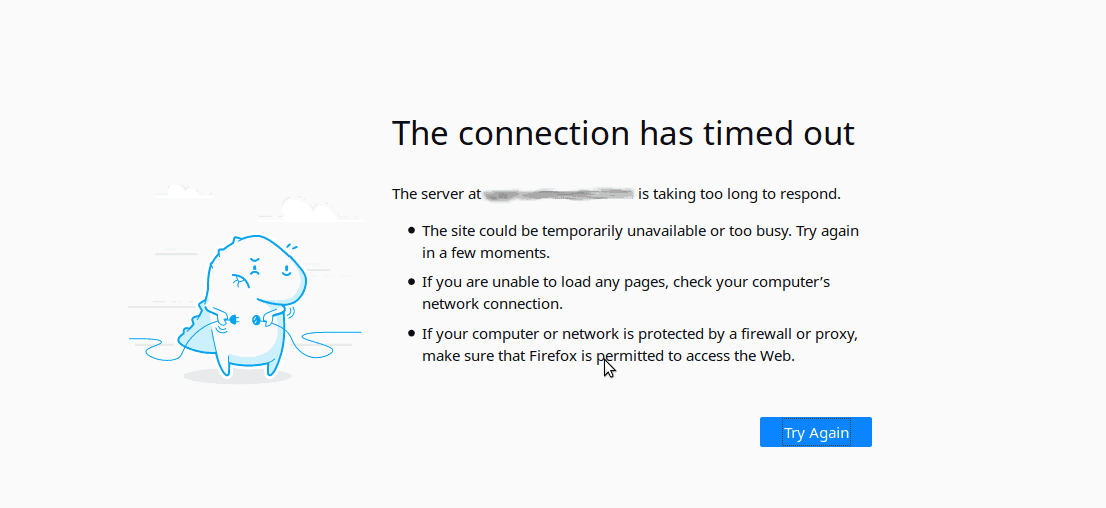
These occur when the server takes too long to respond to a request, leading to a timeout. Slow internet connections or overloaded servers can cause this.
DNS Errors:

Issues with the Domain Name System prevent proper website access. Check DNS configurations and resolve issues with domain resolution.
Mixed Content Errors:
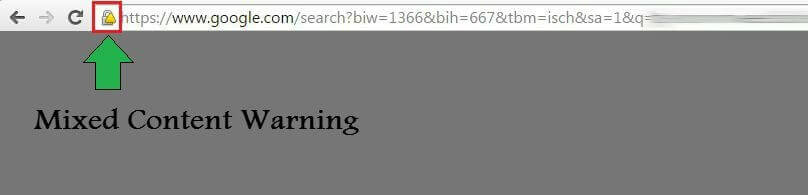
When a website serves content over both HTTP and HTTPS, it can result in mixed content errors, causing security warnings for users.
Redirect Loops:
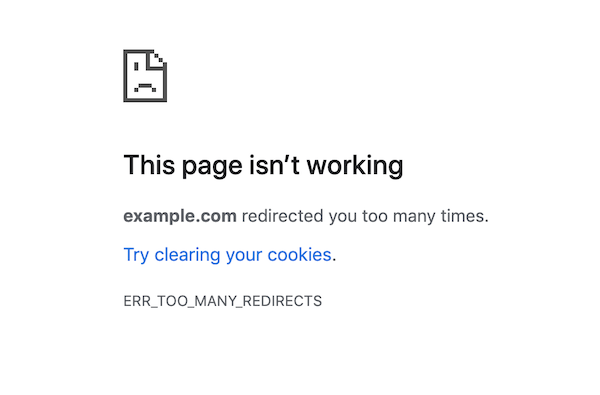
These occur when a URL redirection points to another page that further redirects back to the original URL, creating an infinite loop.
Conclusion:
Understanding and effectively addressing these common website errors are essential for maintaining a seamless online presence. Regular monitoring, error tracking, and swift resolution are key to ensuring a positive user experience on your website. With this guide, you’re better equipped to troubleshoot and resolve these issues, keeping your site running smoothly.
Reference Link:
https://www.pixelfish.com.au/blog/most-common-website-errors/